XRP on iPad, with room to spread out
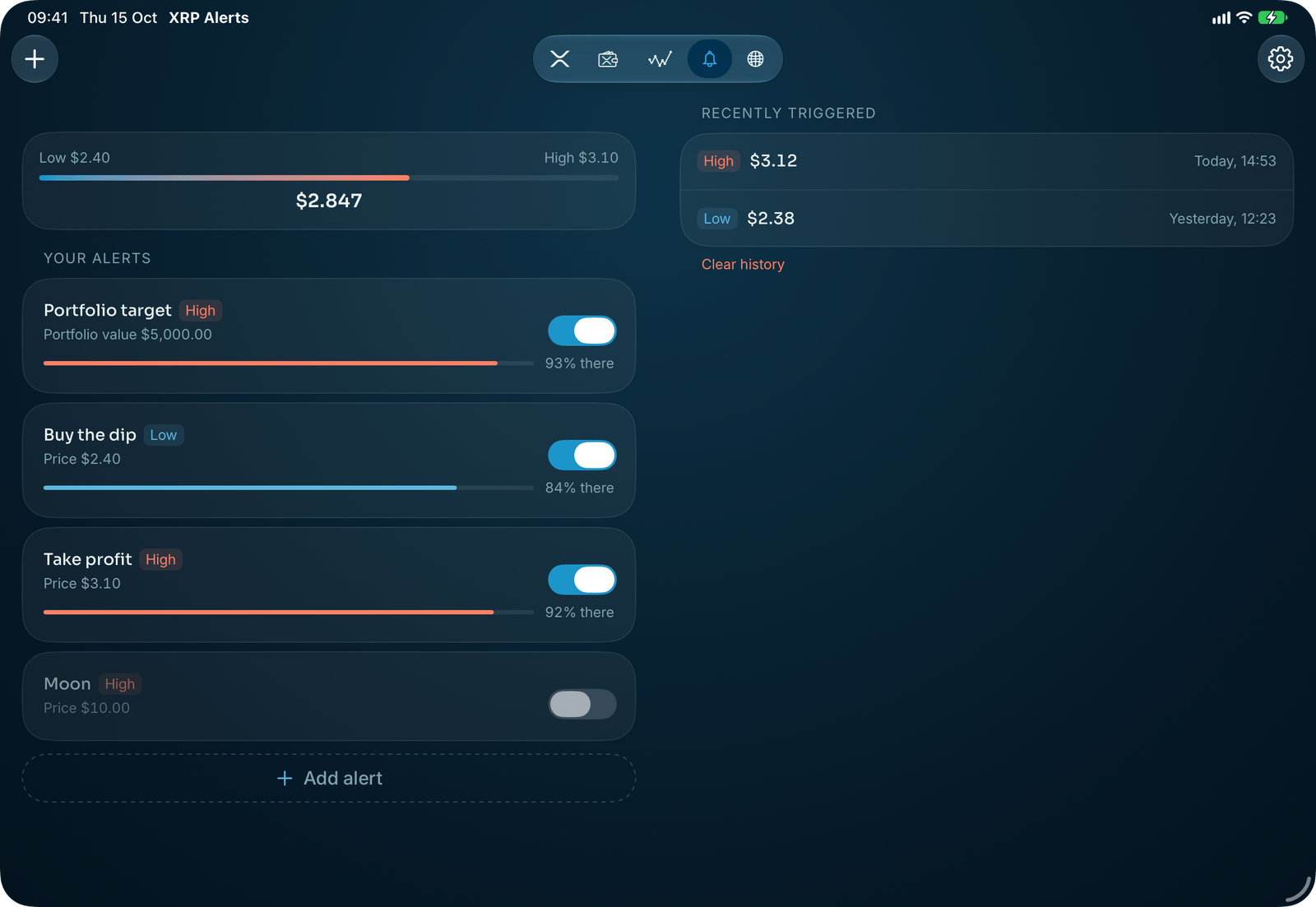
On iPad, XRP Alerts uses the width. Home sets a larger scope over cards spread across the screen, Charts keeps its performance beside the chart, and News opens the story beside the feed. Your purchases and alerts follow from iPhone through iCloud.

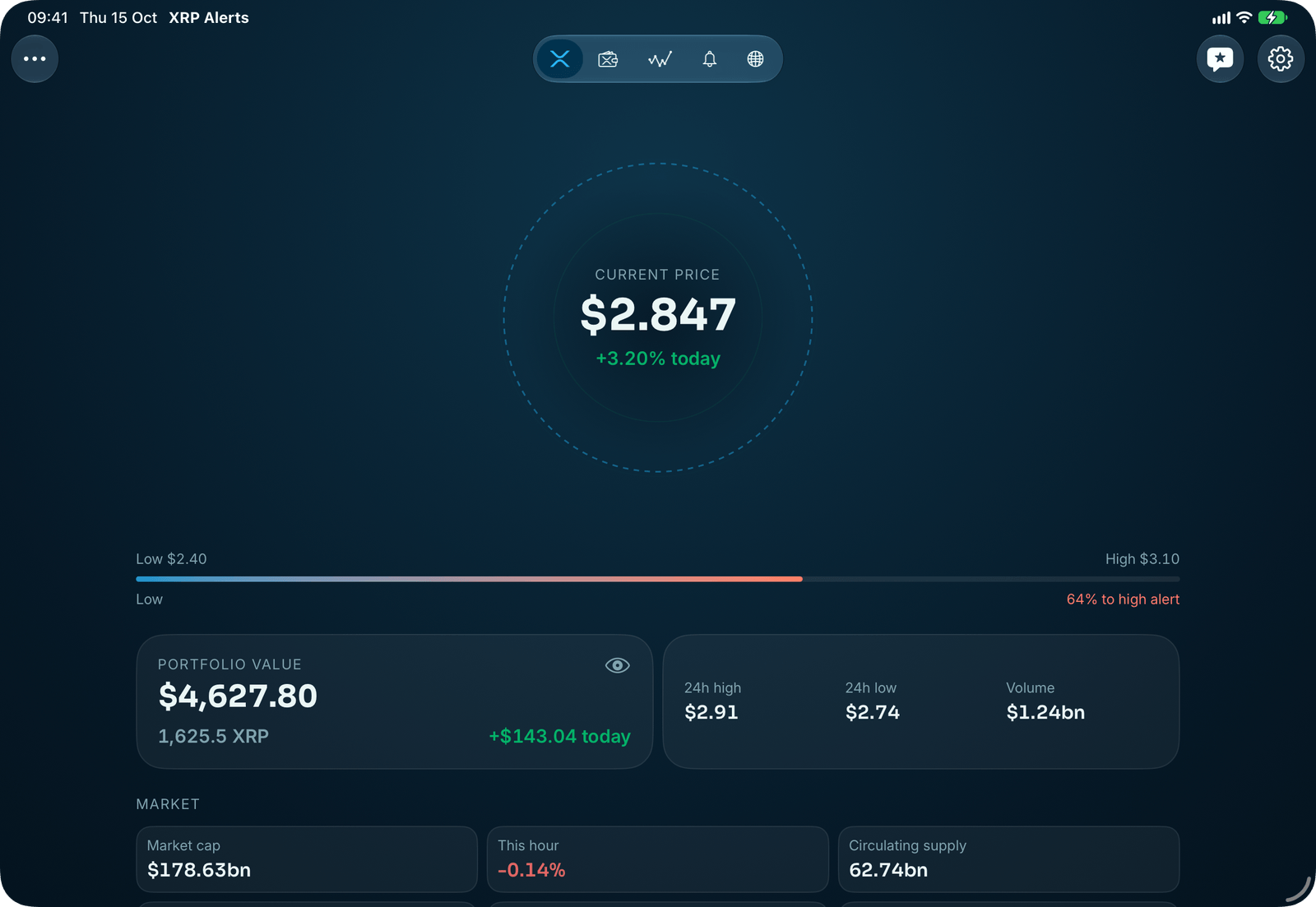
A larger scope around the live price, over the market's cards.
Home, spread out
A larger scope with your alerts in rings around the live price, over the market's cards laid out across the screen.
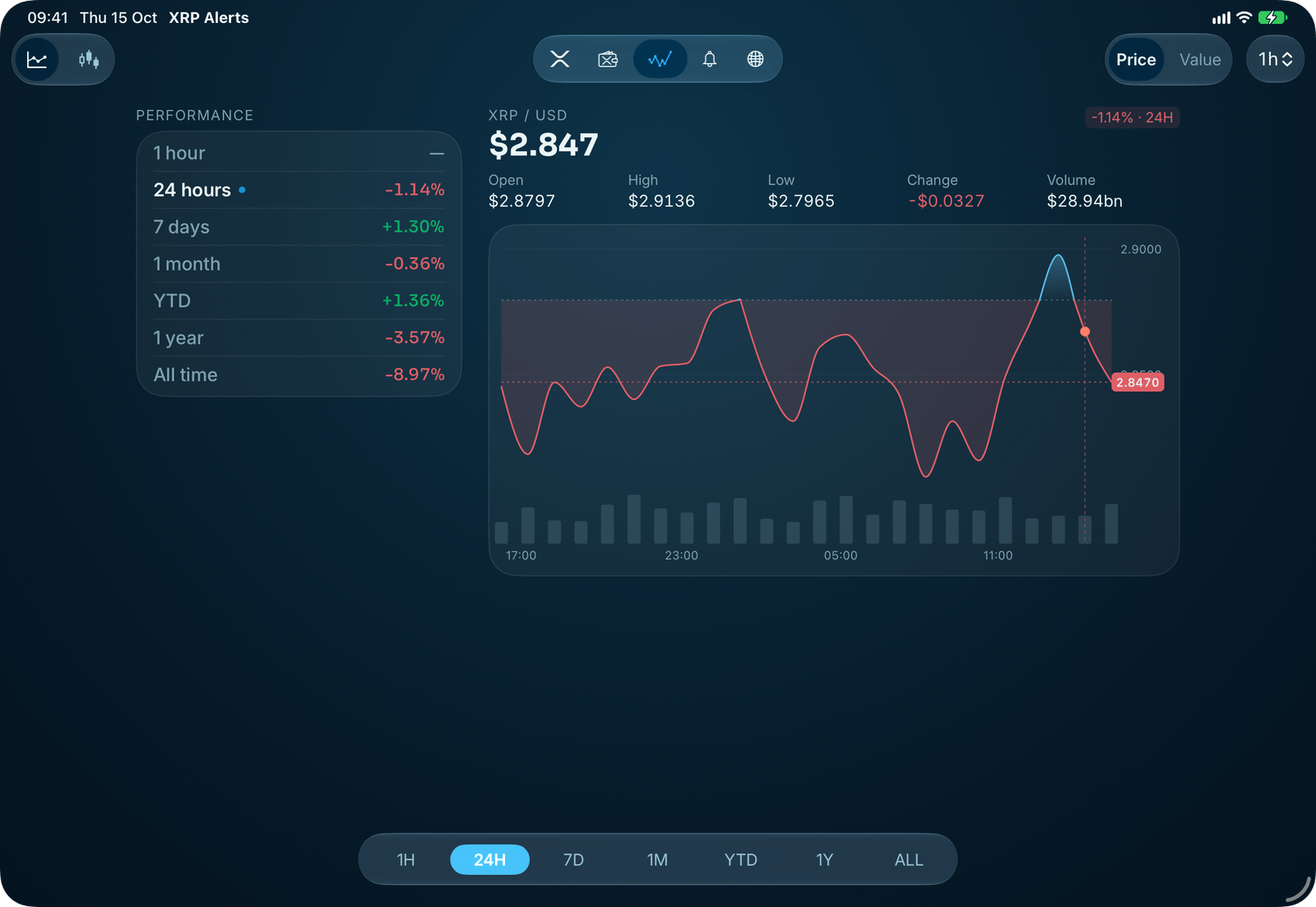
The chart and its numbers
How far XRP has moved over every period, from the last hour to all time, sits in a column beside the chart, always in view.
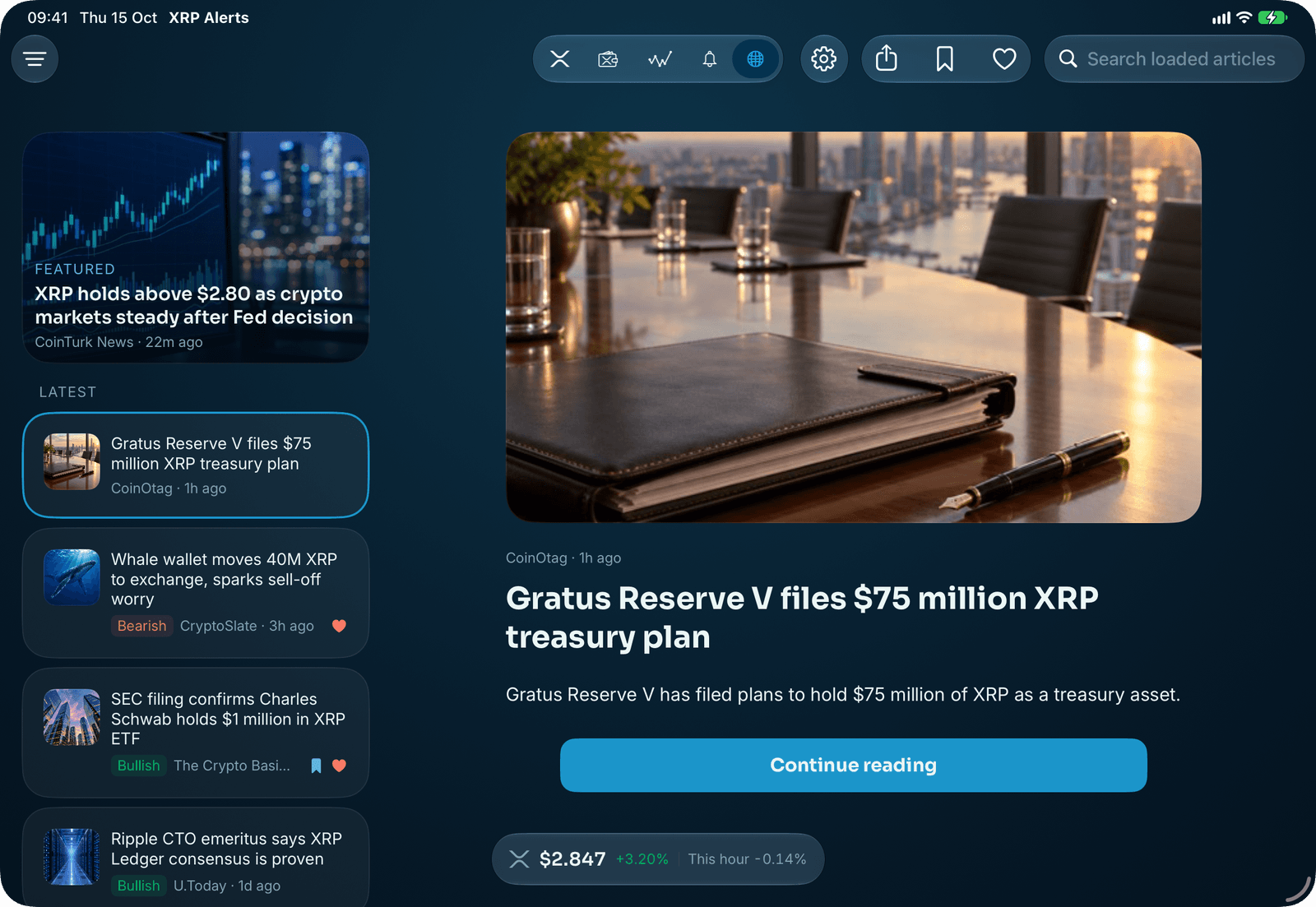
Read beside the feed
Pick a story and it opens beside the headlines, with the next one a tap away.
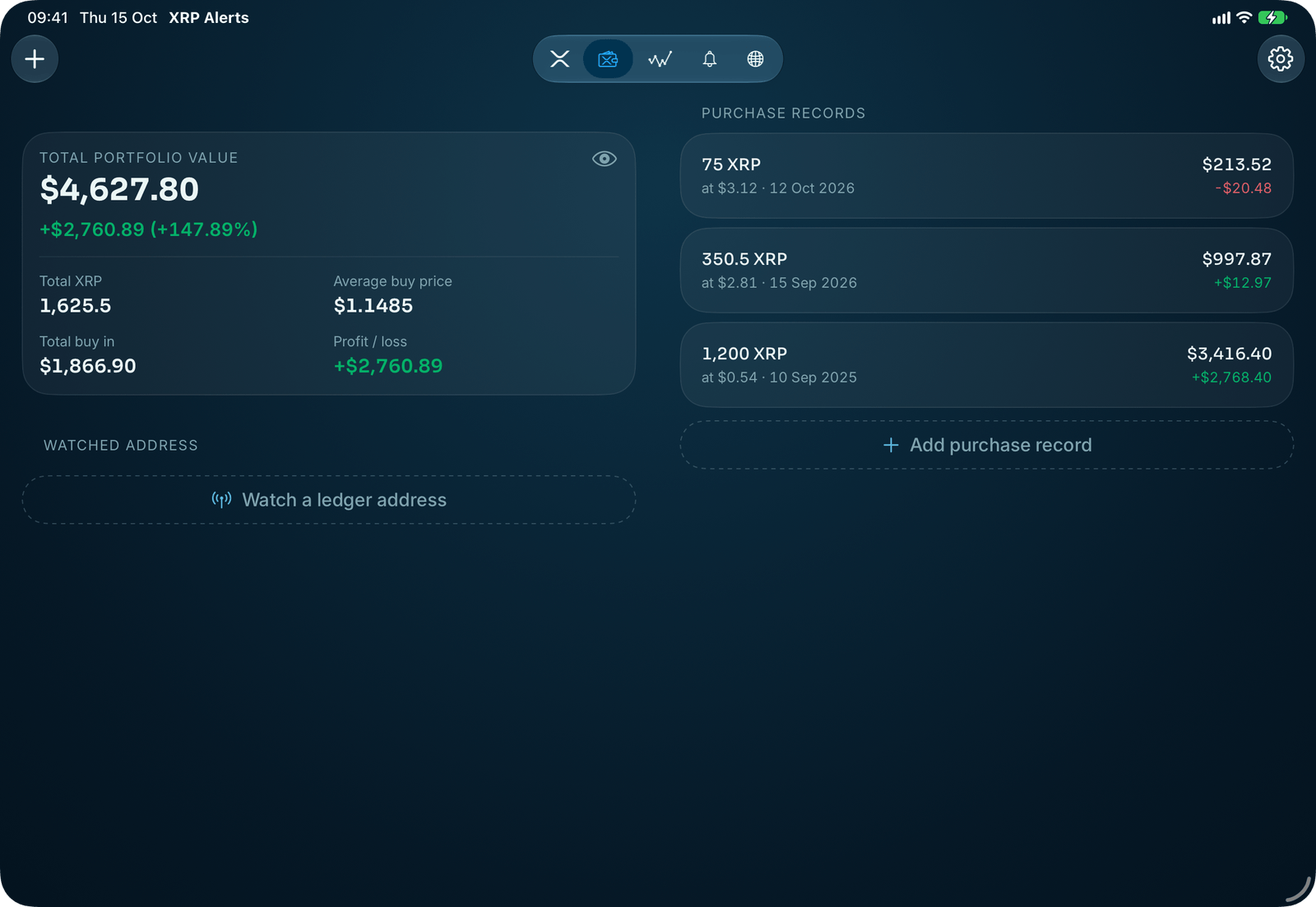
More of what XRP Alerts can do
Everything XRP. One app.
The price on your Lock Screen, your profit and loss to hand, and no account to create.
- Live price on your Lock Screen
- Alerts at the prices you set
- Your holdings, valued live
- Widgets and Apple Watch
Rated 4.6 out of 5 from 4,400+ App Store ratings.